
Overview
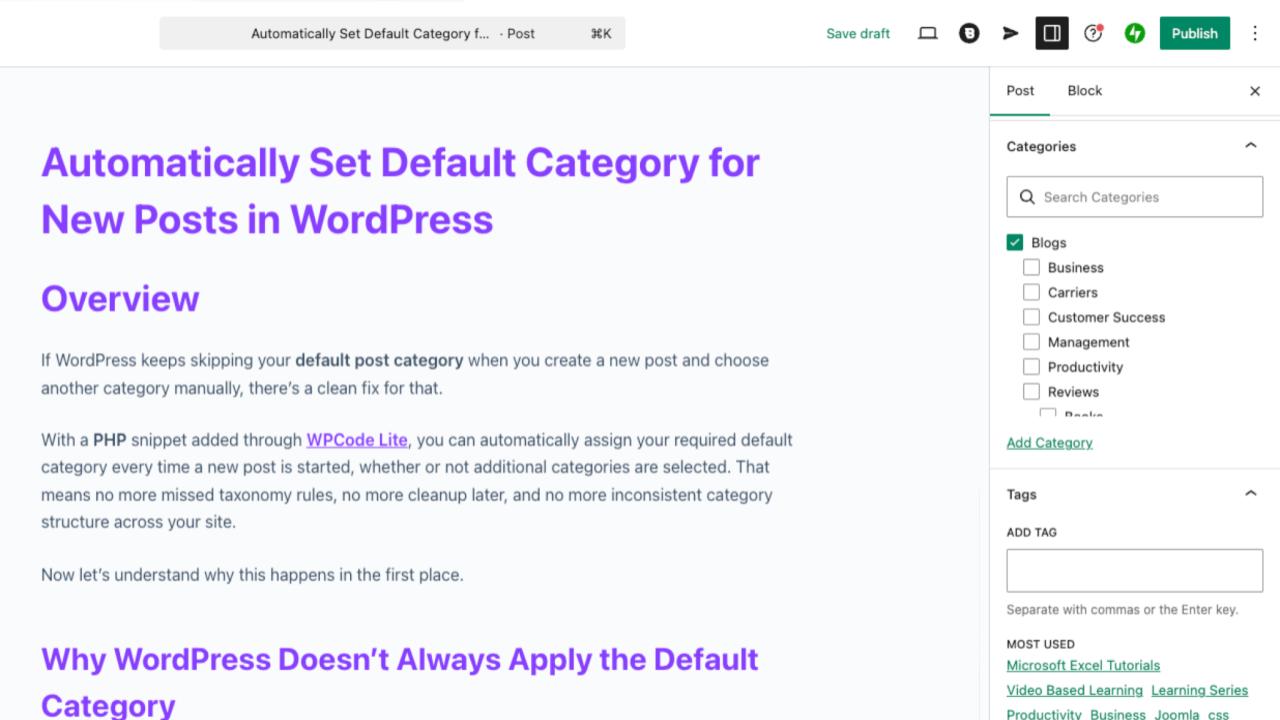
If WordPress keeps skipping your default post category when you create a new post and choose another category manually, there’s a clean fix for that.
With a PHP snippet added through WPCode Lite, you can automatically assign your required default category every time a new post is started, whether or not additional categories are selected. That means no more missed taxonomy rules, no more cleanup later, and no more inconsistent category structure across your site.
Now let’s understand why this happens in the first place.
Why WordPress Doesn’t Always Apply the Default Category
WordPress does have a setting called Default Post Category under:
Settings → Writing → Default Post Category
At first glance, it feels like this should automatically apply to every new post. But that’s not exactly how it works.
Here’s what actually happens behind the scenes:
- If you publish a post without selecting any category, WordPress assigns the default category automatically.
- If you manually select any other category, WordPress assumes you made a deliberate choice.
- Because of that assumption, it does not attach the default category alongside your selected categories.
So the default category works only as a fallback, not as a mandatory category.
This becomes a problem when:
- your workflow depends on a required base category
- your theme layout expects posts inside a specific category
- your archive structure relies on consistent taxonomy
- your SEO strategy depends on category hierarchy
- your internal filters, queries, or widgets depend on that category
In situations like these, forgetting the required category even once can break content organization.
That’s where this snippet becomes useful.
The Fix: Automatically Attach the Default Category on Every Post Save
The following snippet ensures your selected default category is always applied when a post is saved, even if other categories are already selected. It pre-selects the default category as soon as a new post is started.
Add this PHP snippet using WPCode Lite.
add_action('save_post', function($post_id) {
    if (wp_is_post_autosave($post_id) || wp_is_post_revision($post_id)) {
        return;
    }    if (get_post_type($post_id) !== 'post') {
        return;
    }    $default_category_id = 1388; // change this to your category ID    if (!has_category('', $post_id)) {
        wp_set_post_categories($post_id, [$default_category_id]);
    }
});
How to Use This Snippet (Step-by-Step)
Follow these steps carefully:
Step 1: Install WPCode Lite
Go to Plugins → Add New and install WPCode Lite
Step 2: Add a new snippet
Navigate to: WPCode → Add Snippet → Add Your Custom Code (PHP)
Step 3: Paste the snippet
Insert the code exactly as shown above
Step 4: Replace the category ID
Change:
$default_category_id = 1388;
to your actual category ID
To find your category ID:
Posts → Categories → hover over category → check URL
Example:
tag_ID=1405
Your ID is 1405

Step 5: Set snippet location
Select: Run Everywhere
Step 6: Activate the snippet
Save and toggle it ON
That’s it. From now on, every new post automatically includes your required category.
Why This Approach Works Better Than WordPress Default Settings
Instead of relying on fallback behavior, this method enforces consistency at the moment the post is saved.
That makes it especially helpful if you:
- manage multi-author blogs
- run structured content sites
- maintain category-based navigation layouts
- depend on category archives for SEO
- automate post sorting workflows
- build WordPress knowledgebases
- publish tutorials or documentation posts regularly
It quietly protects your taxonomy structure in the background.
No interruptions. No manual checks.
Just clean organization every time you publish.
Conclusion
WordPress already includes a default category setting, but it doesn’t behave like a mandatory category assignment tool. It only activates when no category is selected at all.
If your workflow depends on always attaching a required category, the snippet above solves the problem permanently. Once added through WPCode Lite, it ensures every post automatically includes your selected default category, even when additional categories are chosen manually.
It’s a small change, but it keeps your site structure predictable, searchable, and much easier to manage as your content grows.